

A cloud phone is a remotely hosted Android device that runs on cloud infrastructure and can be accessed through the MoreLogin desktop client.
MoreLogin Cloud Phone
Run independent cloud Android devices for mobile account management, app workflows, remote collaboration, and automation. Create devices on demand without purchasing or maintaining large numbers of physical phones.
Get 100 Free Minutes
What Is a Cloud Phone?
Each cloud phone provides an independent mobile environment for installing applications, storing device data, configuring network settings, and running account workflows.
Because devices run in the cloud, teams can access and manage them remotely without buying, charging, connecting, or replacing a separate physical phone for every task.
Why Choose MoreLogin Cloud Phone?
Create independent Android environments, manage multiple devices, automate repetitive tasks, and distribute mobile workflows across your team.
Cloud Android Environments
Run remotely hosted Android devices with independent settings, application data, and mobile device parameters.
Multi-Device Automation
Control devices with synchronized actions, RPA workflows, APIs, batch input, and other automation tools.
Remote Team Management
Assign devices and permissions to authorized team members while keeping access under organizational control.
Flexible Device Scaling
Add cloud devices when required without a large upfront investment in physical phones and supporting hardware.
Cloud Android Devices
Run Independent Android Environments in the Cloud
Configure separate cloud phones for different applications, accounts, regions, and workflows while managing every device from one platform.
ARM-Based Cloud Devices
Run cloud phone environments on ARM-based infrastructure designed to support native Android applications and common mobile workflows.
Region-Aware Configuration
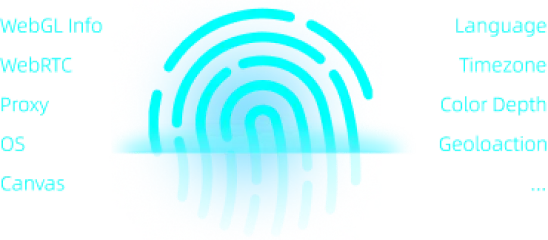
Configure proxy, language, timezone, and other regional settings according to the intended network environment and workflow.
Independent Device Parameters
Each cloud phone maintains its own Android environment, device settings, installed applications, local data, and network configuration.
Automation
Automate Cloud Phone Workflows
Connect visual automation, developer APIs, synchronized actions, and external workflow tools to reduce repeated mobile operations.
RPA
Build Reusable Mobile Workflows
Use visual RPA tools to organize repetitive cloud phone tasks, including app operations, routine account maintenance, content workflows, and scheduled processes.
Explore RPA Workflows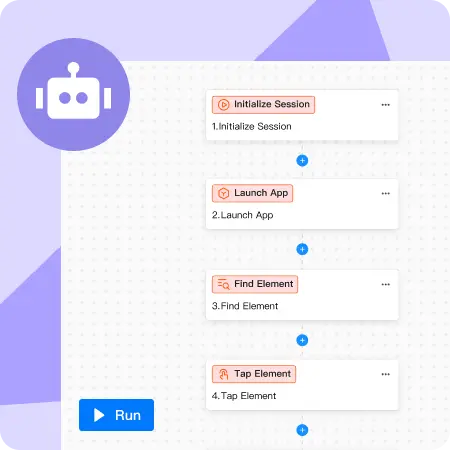
API
Integrate Cloud Phones with Your Systems
Use APIs to create and manage devices, control power status, configure supported settings, install applications, transfer files, and connect mobile tasks with internal systems.
Explore Developer Tools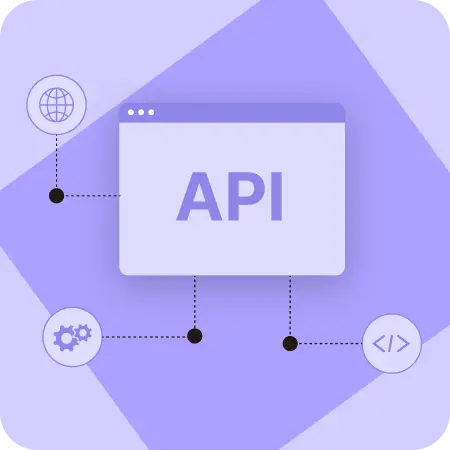
Control Multiple Cloud Phones More Efficiently
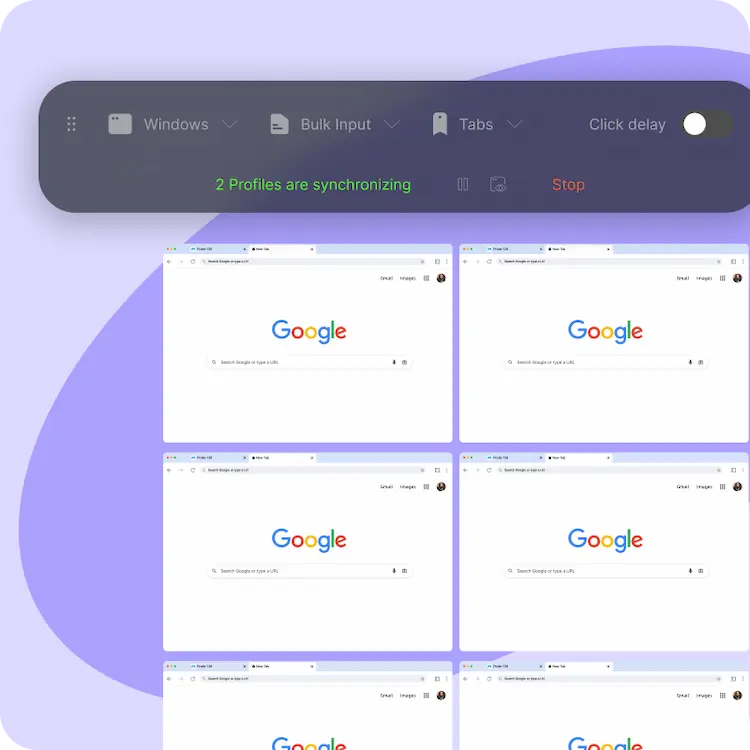
Reduce repeated manual work by synchronizing compatible actions and sending text or files to several devices from one workspace.
Synchronizer
Mirror Actions Across Multiple Devices
Use one cloud phone as the control device and repeat compatible clicks, swipes, keyboard actions, and other operations across selected target devices.
Try the Synchronizer
Batch Input
Send Text to Multiple Cloud Phones
Enter identical or differentiated text for selected devices when managing profiles, posts, comments, product information, or other authorized mobile workflows.
Start Batch OperationsTeam Management
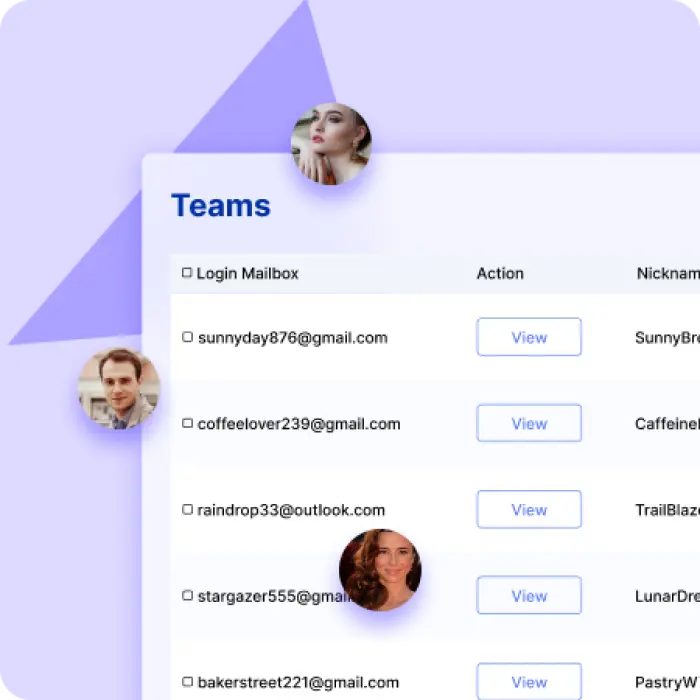
Manage Cloud Phones Across Remote Teams
Assign devices, control member access, support operational handovers, and keep mobile account environments under organizational management.
Remote Device Collaboration
Allow authorized team members to access assigned cloud phones from supported locations without physically transferring devices between employees.
Start Team Collaboration
Device and Member Permissions
Grant, limit, reassign, or revoke access according to each member's role so cloud devices and account assets remain under team control.
Manage Team AccessResource Management
Scale Mobile Devices Without Maintaining Hardware
Add cloud phone resources according to business demand and reduce the operational burden associated with buying, storing, charging, and replacing physical devices.
Use Cloud Resources as Needed
Create or allocate cloud devices according to current project requirements instead of purchasing physical phones before they are needed.
Track Device Usage
Review resource consumption and plan device allocation more clearly as mobile account workflows and team requirements grow.
MoreLogin Cloud Phone FAQ
Learn how cloud Android devices work, how to manage multiple phones, and how MoreLogin supports applications, teams, and automation.
MoreLogin Cloud Phone provides remotely hosted Android
environments that users can access through the MoreLogin client.
Each device can maintain its own applications, settings, data,
network configuration, and mobile workflows.
MoreLogin Cloud Phone is designed as a cloud-hosted Android
device environment rather than a traditional emulator running
locally on the user's computer. Device resources operate in the
cloud and are accessed remotely.
Yes. MoreLogin provides multi-device management tools, including
synchronized actions and batch input, to help users perform
compatible operations across several selected cloud phones.
Yes. Cloud phones are designed to run Android applications.
Installation methods and app compatibility may depend on the
application requirements and the selected device environment.
Yes. Users can combine cloud phones with RPA workflows,
synchronized actions, APIs, batch input, and other supported
automation tools to reduce repetitive mobile operations.
Team administrators can assign devices and permissions to
authorized members. Access should be granted according to job
responsibilities and revoked or reassigned when roles change.
New users receive 100 minutes of cloud phone usage for initial
testing. Download the MoreLogin desktop client, create an
account, and access the available cloud phone resources.
Start Using MoreLogin Cloud Phone
Download MoreLogin and receive 100 minutes of cloud phone usage to test Android device management, synchronization, and automation workflows.
Download MoreLogin